Motorised curtains connect to a smart hub, the same way many other smart-home devices do — from there, they can be controlled from a phone, a smart watch, a computer, or folded into a broader home automation routine.
Once connected, curtains can be set to open and close on a schedule, respond to sunrise and sunset, or trigger alongside other actions — closing automatically when a security system arms, for example, or opening as part of a morning routine with lighting and temperature. This kind of automation is also where the energy-efficiency benefit comes in: curtains that close at dusk without anyone needing to remember to do it help retain warmth on cold Melbourne evenings.
Setup generally involves the motorised track or roller mechanism, a hub or bridge that connects it to your home network, and an app to configure schedules and routines — most of which is handled as part of installation rather than left for the homeowner to figure out.
FAQs
How do motorised curtains work with a smart home system?
Motorised curtains connect to a smart hub, allowing control from a phone, smart watch or computer, and can be scheduled to open and close automatically or combined with other smart-home routines.
Can motorised curtains work with voice assistants?
Many smart-home hubs that support motorised curtains also support voice assistant integration, though exact compatibility depends on the specific system installed.
Do I need to set up the automation myself?
Generally no — setup of the hub, app and schedules is typically handled as part of installation, not left for the homeowner to configure alone.
Can motorised curtains be controlled without a smart hub?
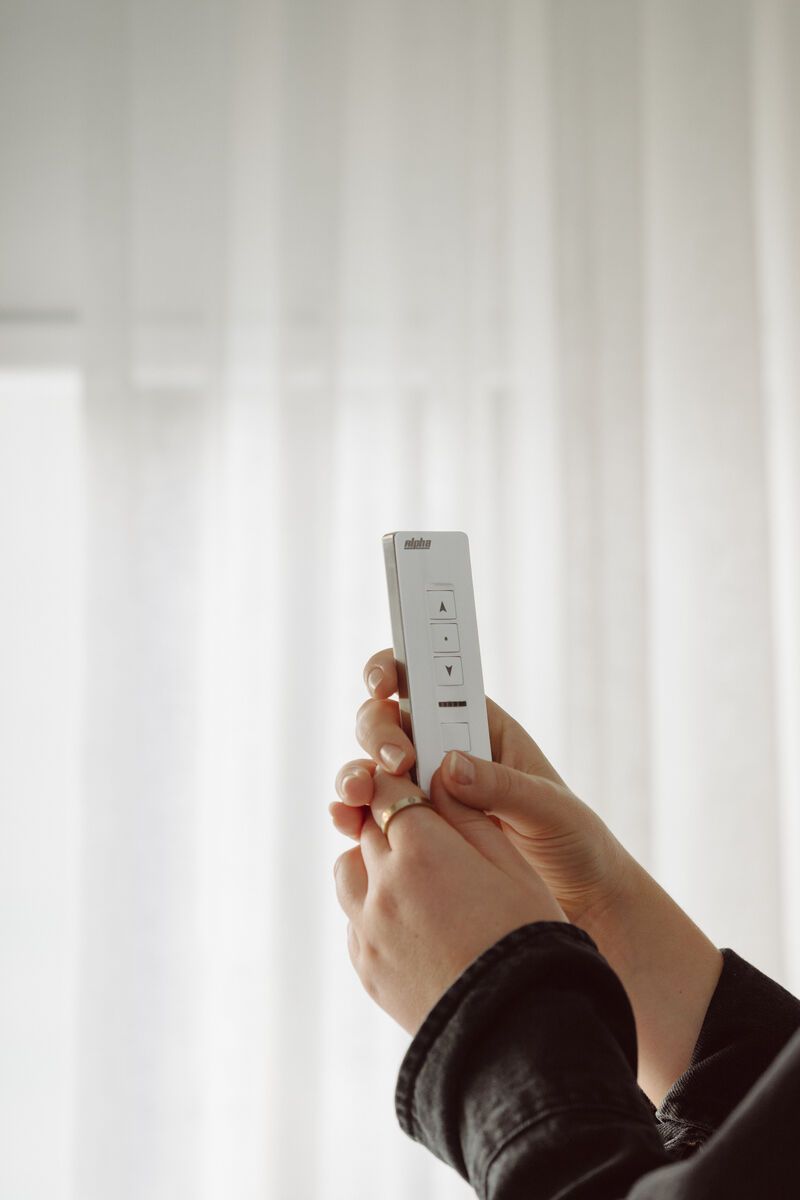
Basic remote control is often available without a full smart-home hub, though scheduling and integration with other devices generally requires the hub connection.
Related reading
Best Window Furnishings for High Ceilings and Void Windows
Planning motorised curtains for your home? Book a Free Measure & Quote with Tiptop Blinds — in-home, across Melbourne.